Discover the wide-ranging benefits of chiropractic care for pain relief, mobility, and whole-body wellness.

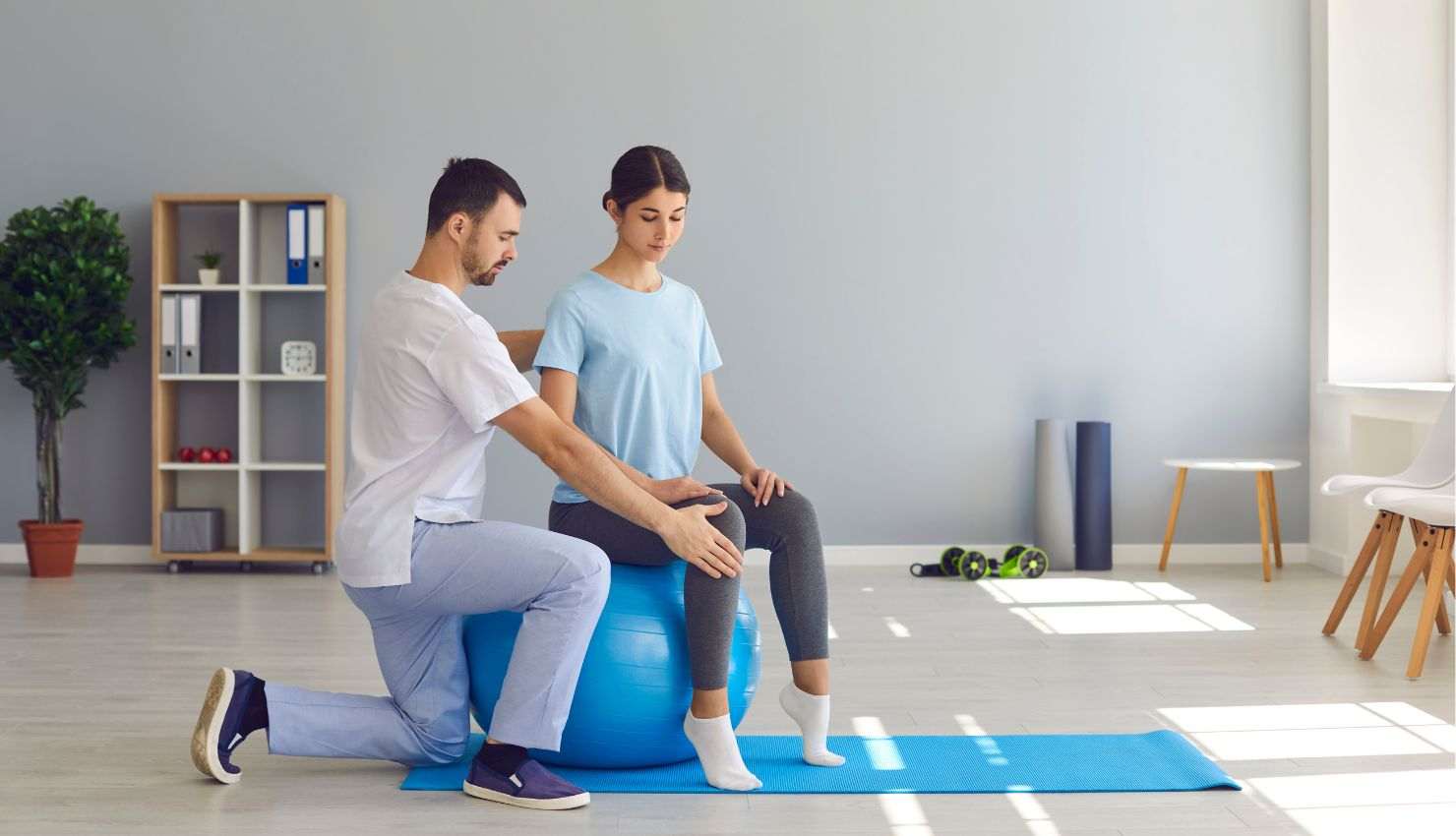
If youve ever stood up after a long gaming session feeling like a rusty robotcracking your neck, stretching your back, and wincing at the stiffnessyoure not alone. Whether youre into high-stakes competitive play or cozy casual gaming, poor posture can creep in and start affecting your body in sneaky ways.
But heres the good news: you dont need to sacrifice your comfort to level up. With help from physiotherapy and a few smart posture tweaks, you can build a gaming setup thats easy on your body and keeps you feeling goodeven during those five-hour marathons.
Lets break it down ??
?? Why Does Posture Matter in Gaming?
Gaming often involves long periods of:
Sitting in one position
Leaning forward toward a screen
Holding a controller or mouse with tense shoulders
All of this can lead to:
Neck and back pain
Shoulder tightness
Wrist or hand fatigue
General stiffness and fatigue
Bad posture over time can even contribute to chronic issues like text neck, carpal tunnel syndrome, or lower back strain. Thats where physiotherapy comes in to save the day.
??? How Physiotherapy Helps Gamers with Better Posture
Physiotherapists are experts in how your body movesand more importantly, how it should move. If youre struggling with pain, or you just want to optimize your setup, a physio can help you:
?? Assess Your Current Setup
Theyll look at:
How your chair supports (or doesnt support) your spine
Where your monitor or TV is positioned
How your arms and wrists are angled
What your seated posture looks like during play
?? Teach You Better Sitting Habits
Theyll show you how to sit in a neutral, supported posture that:
Keeps your spine aligned
Reduces pressure on your neck and shoulders
Helps your muscles work with you, not against you
?? Recommend Ergonomic Adjustments
Even small changes can make a big difference:
Monitor at eye level to reduce neck strain
Chair with lumbar support to keep your lower back happy
Keyboard and mouse position that avoids wrist bending
Foot support so your thighs stay level and your hips open
????? Top Posture Tips for Gamers (Straight from the Physio Playbook)
Here are some quick posture-friendly changes you can start today:
1. Keep Your Back Supported
Use an ergonomic chair or add a small cushion to support your lower back. Sit with your back touching the backrestnot slouching or perched on the edge of your seat.
2. Raise Your Screen
Your eyes should be level with the top third of the screen. Use a monitor riser, books, or an adjustable arm to get it just right.
3. Relax Your Shoulders
Keep your shoulders relaxed and elbows at a 90-degree angle. Dont shrug or hunchtense shoulders lead to headaches and tight neck muscles.
4. Check Your Arm Position
Your forearms should rest comfortably on the desk or armrests, not hovering in mid-air. This reduces strain on the wrists and upper arms.
5. Feet Flat, Hips Level
Plant your feet on the floor (or a footrest). Avoid crossing your legs or tucking your feet under you. Your hips and knees should be at the same height.
6. Move Often
Set a timer to take a short break every 3060 minutes. Stand, stretch, do a few mobility exercisesanything to reset your posture and prevent stiffness.
?? Bonus Physio Tips for Better Gaming Posture
Try a standing desk setup if you stream or work and play at the same station
Use wrist support if you notice hand or forearm fatigue
Do posture resetslike chin tucks, shoulder rolls, and gentle back extensions during breaks
Book a physiotherapy session for a personalized posture and setup assessment
?? Final Thoughts
A solid gaming setup isnt just about performance or aestheticsits about how your body feels while you play. With a few posture improvements and expert advice from a physiotherapist, you can reduce pain, prevent injury, and stay focused for longer sessions.
Because lets be honestyour K/D ratio means nothing if your backs killing you.