Discover the wide-ranging benefits of chiropractic care for pain relief, mobility, and whole-body wellness.

Lets be honest weve all been there: hunched over the keyboard, neck craned forward, shoulders up near your ears, and your spine slowly turning into a question mark during an all-night gaming session.
But poor posture doesnt just look uncomfortable over time, it can cause real problems: back pain, wrist strain, tension headaches, reduced focus, and even long-term injuries.
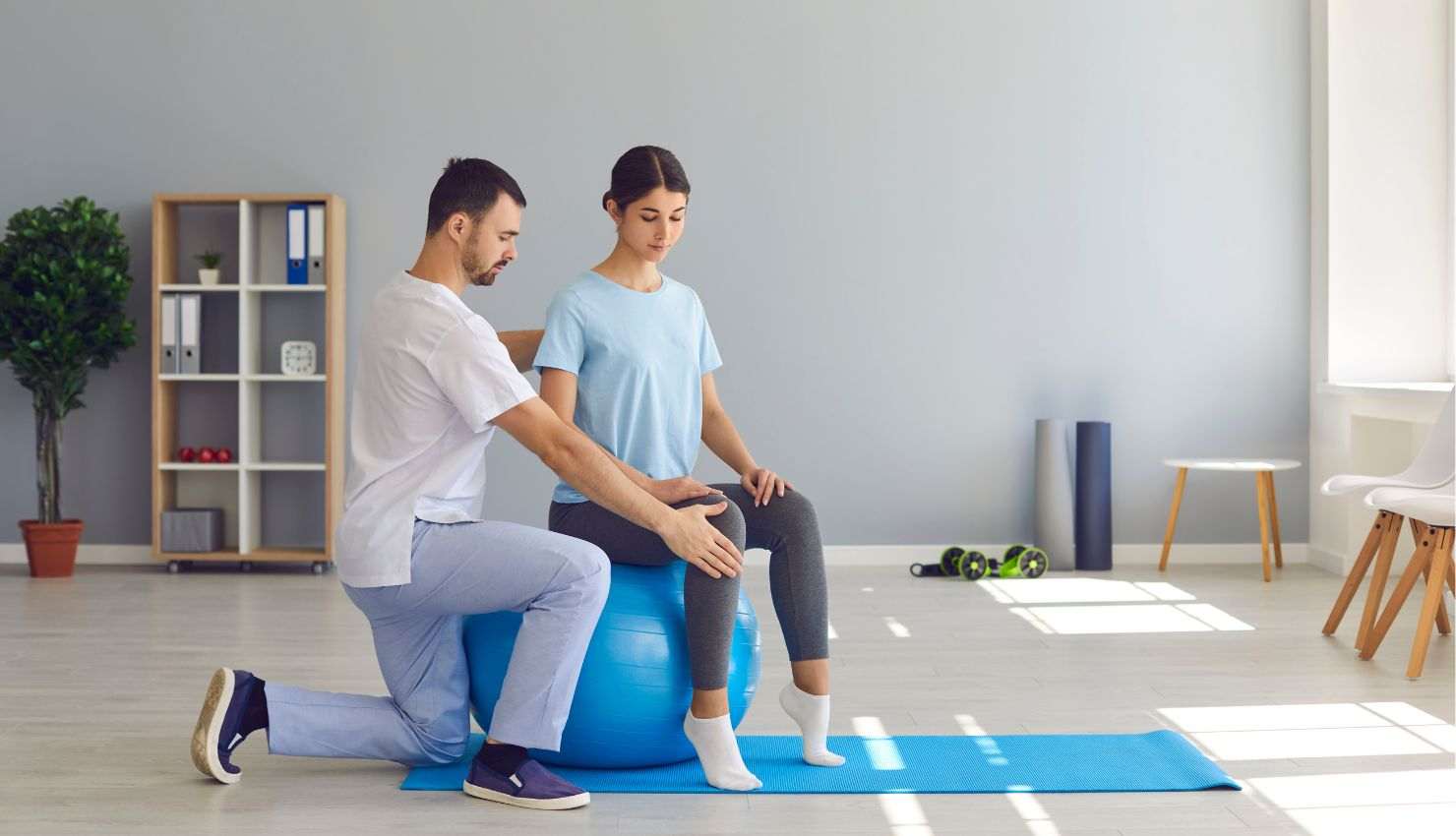
Thats where physiotherapy comes in. Its not just about recovery after an injury its also about preventing pain, improving posture, and helping you play stronger and longer.
Lets break down how physiotherapy can help level up your posture for healthier gaming ??
?? Step 1: Get a Postural Assessment
The first thing a physiotherapist will do is analyze your natural sitting and standing posture. Theyll check:
How your spine curves while you sit
Head and neck position (text neck, anyone?)
Shoulder alignment
Wrist and elbow angles
How your body moves during gameplay
This isnt just about correcting your slouch its about finding the root causes of discomfort and building a plan that works for your setup and play style.
?????? Step 2: Strengthen Key Muscles
Good posture isnt just about sitting up straight its about having the muscles to support that upright position. A physiotherapist will guide you through exercises to strengthen:
Your core (the anchor of your posture)
Mid-back and shoulder muscles (like the rhomboids and traps)
Neck stabilizers (to prevent that forward-head drift)
Glutes and hips (yep they matter even while sitting!)
Stronger muscles = less fatigue = better posture for longer gaming sessions.
?? Step 3: Stretch Whats Tight
Gamers tend to develop tight chest muscles, stiff hips, and shortened neck flexors from all that sitting and leaning forward.
Your physio will give you targeted stretches to open up your:
Chest and shoulders (to counter that curled-forward position)
Hip flexors (from long hours in the chair)
Neck and upper back (to release built-up tension)
These stretches are quick, effective, and can be done in between rounds or during loading screens.
?? Step 4: Optimize Your Setup
This is where things get personal. A physiotherapist can help you tweak your actual gaming environment, including:
Chair height and lumbar support
Monitor position (no more looking down like a turtle!)
Keyboard/mouse or controller placement
Armrest height and wrist angle
Think of it like adjusting your in-game settings for maximum performance only this time, its for your body.
?? Step 5: Add Movement Breaks & Postural Drills
Even the best posture isnt meant to be held 8 hours straight. Your physio will help you build short, effective routines to:
Reset your posture
Relieve pressure on your spine and joints
Wake up sleepy muscles
A simple 3-minute routine every hour or so can do wonders. Bonus: many of these drills dont even require standing up!
?? Bonus: Tips You Can Use Right Now
Keep your feet flat on the floor
Dont lean on one arm or leg keep balanced
Sit back into your chair, not on the edge
Use a lumbar pillow or rolled towel if needed
Tilt your screen so your neck stays neutral
Stretch your forearms, shoulders, and neck between matches
Game Like a Pro Sit Like One Too
Improving your gaming posture with physiotherapy isnt about being rigid or uncomfortable its about creating a balanced, pain-free setup that lets you perform your best without burning out your body.
Remember: your posture is your power-up. And with the right physiotherapy guidance, you’ll be crushing your games and sitting like a champ. ??????