Discover the wide-ranging benefits of chiropractic care for pain relief, mobility, and whole-body wellness.

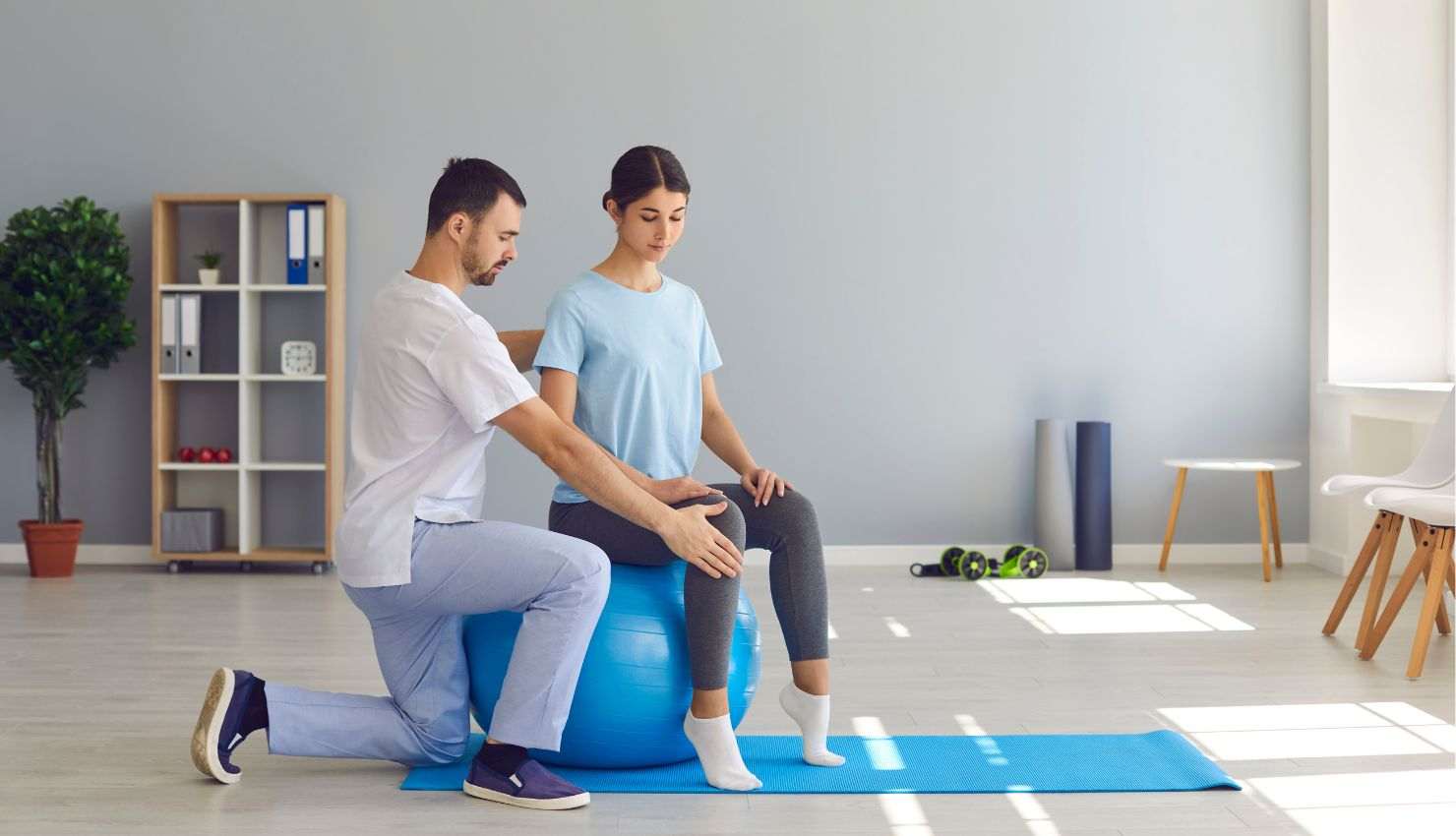
Alright gamers, lets get realgaming marathons are epic, but poor posture? Not so much. Slouching over your setup might feel comfortable now, but its a fast track to neck pain, back stiffness, and wrist strain. The good news? With some simple physiotherapy tips, you can level up your posture and play pain-free.
Ready to game smarter and feel better? Lets dive in.
????? Why Posture Matters for Gamers
Posture isnt just about looking goodits about how your body supports you during those long sessions. Bad posture can lead to:
Muscle tension and pain (especially neck, shoulders, and back)
Reduced breathing efficiency (hello, fatigue!)
Slower reaction times and reduced focus
Increased risk of repetitive strain injuries
Fix your posture, and you fix your game.
??? Top Physiotherapy Tips to Improve Your Gaming Posture
1. Set Up Your Station Ergonomically
Before you start, make sure your gaming setup supports good posture:
Monitor: Eye level or slightly below, about an arms length away
Chair: Use lumbar support and sit with feet flat on the floor
Keyboard and mouse/controller: Keep your wrists straight and elbows close to your body
Little tweaks here prevent a lot of pain later.
2. Keep Your Head Neutral
Avoid that forward head slump. Imagine a string pulling your head up from the crown, aligning your ears over your shoulders. This reduces strain on your neck and keeps you feeling fresh.
3. Engage Your Core
Your core muscles are the unsung heroes of good posture. Try to gently engage your abs and lower back muscles while sitting to keep your spine supported.
4. Take Regular Movement Breaks
Physiotherapists recommend a 5-minute break every hour. Use this time to:
Stand up and stretch your neck, shoulders, and wrists
Walk around to boost circulation
Reset your posture before sitting back down
These breaks can keep fatigue and stiffness at bay.
5. Stretch Tight Muscles
Gaming tightens your chest and neck muscles. Stretch them out with:
Chest opener stretches (like doorway stretches)
Neck side bends and rotations
Shoulder rolls and scapular squeezes
Simple, effective, and perfect between rounds.
6. Strengthen Postural Muscles
To hold good posture for long, you need strong back and shoulder muscles. Physio-approved exercises include:
Scapular retractions (pinch your shoulder blades together)
Wall angels
Rows with resistance bands
These help counteract the rounded shoulder slump common in gamers.
7. Mind Your Wrist Position
Keep wrists in a neutral position to avoid strain:
Dont let your wrists bend too much up, down, or sideways
Use wrist rests or ergonomic pads if needed
Practice wrist stretches and strengthening exercises regularly
8. Use Supportive Seating
Invest in a chair that supports your lumbar spine and encourages an upright posture. Adjust your seat height so your hips are slightly higher than your knees for better pelvic positioning.
?? Bonus Tip: Listen to Your Body
If you feel discomfort or pain, dont push through it. Stop, stretch, adjust your setup, or take a break. Early attention saves you from long-term problems.
??? Level Up Your Posture, Level Up Your Game
Good posture might sound like a small detail, but its a game changer for your health and performance. With these physiotherapy tips, you can sit comfortably, reduce pain, and stay focused for longer.
Ready to play pain-free? Start with your posture today.