Discover the wide-ranging benefits of chiropractic care for pain relief, mobility, and whole-body wellness.

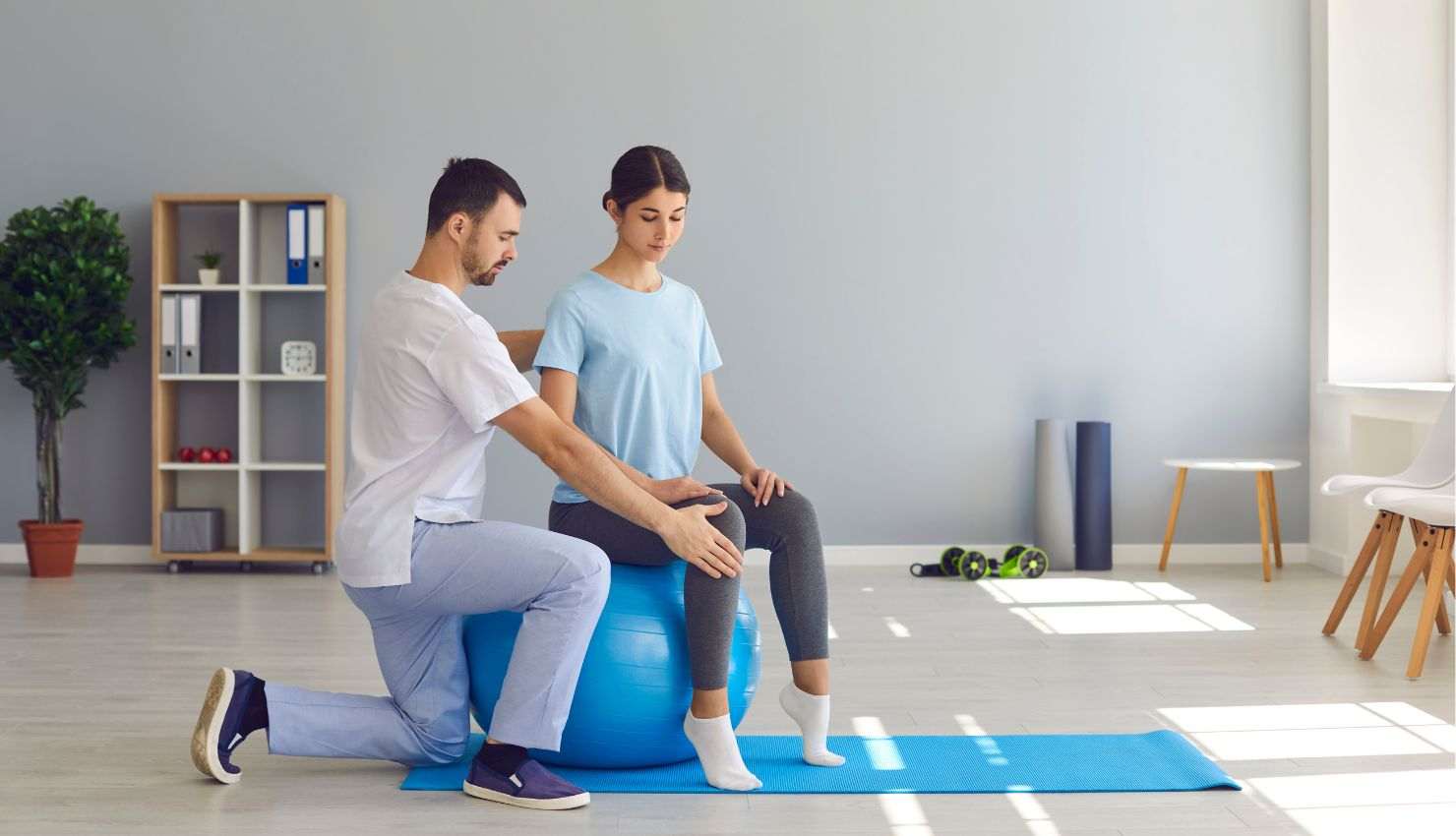
Whether youre grinding ranked matches, exploring open-world adventures, or pulling all-nighters in co-op campaigns, gaming is more than a hobbyits a lifestyle. But heres the thing most gamers dont talk about: injuries.
Yes, gaming-related injuries are real. From stiff necks to sore wrists, long gaming sessions can sneakily wear down your body. But dont worryphysiotherapy is here to save the day. With the right advice, stretches, and posture tips, you can level up your health and play longer without pain.
So, grab your controller (but sit up straight while youre at it), and lets break down how physiotherapy can help prevent gaming injuries.
?? First, Why Do Gamers Get Injured?
Gaming involves a lot of repetitive motion and static posture. Think about it:
Youre clicking, tapping, or gripping a controller for hours
Sitting in the same position with barely any movement
Leaning toward a screen thats just a bit too low
All of this puts stress on your muscles, joints, and tendons, especially in your:
Neck and shoulders
Wrists and thumbs
Lower back
Eyes (yep, eye strain counts too!)
??? How Physiotherapy Helps You Stay Injury-Free
Physiotherapists are movement specialiststhey know how the body responds to prolonged gaming and can tailor a plan that fits your setup and habits. Heres what they focus on:
1. Posture Assessment & Correction
One of the biggest culprits behind gaming pain is poor posture. A physio will analyze how you sit and show you how to:
Align your spine correctly
Adjust your chair, desk, and screen height
Position your arms to avoid wrist strain
Sit without slouchingeven during intense gameplay
2. Ergonomic Recommendations
Your gaming setup matters. Physiotherapists can guide you on:
Choosing a chair with proper lumbar support
Adjusting monitor height and distance
Using wrist rests, mouse pads, and footrests
Finding a controller or keyboard layout that suits your body
3. Targeted Exercises for Gamers
A custom stretch-and-strength routine can do wonders. Your physio might suggest:
Neck and shoulder mobility drills to prevent stiffness
Wrist and forearm exercises to reduce strain from repetitive use
Core strengthening to support your lower back
Hip stretches to combat the effects of prolonged sitting
Best part? These routines are usually short, simple, and can be done right at your desk or in your gaming chair.
4. Movement Break Strategies
Even pro athletes take breaksand so should you. Physiotherapists can help you build a routine where you:
Stretch every 3060 minutes
Do reset movements like shoulder rolls, back bends, or standing marches
Use micro-breaks to check in with your posture and hydration
5. Early Detection = Long-Term Prevention
If you feel numbness, tingling, tightness, or pain, dont just push through it. Physiotherapists can catch early signs of repetitive strain injuries (like carpal tunnel or gamers thumb) and treat them before they become serious.
?? Quick Physio Tips for Gamers
?? Sit smart: Keep your feet flat, monitor at eye level, and back supported.
??? Stretch your hands/wrists: Especially if you game with a mouse or controller.
????? Add a mini workout: Just 510 minutes of posture-focused exercises daily can prevent pain.
??? Switch it up: Alternate between sitting and standing, or change hand positions during long sessions.
?? Use the 20-20-20 rule for eye strain: Every 20 minutes, look 20 feet away for 20 seconds.
?? Final Thoughts
Gaming should be excitingnot exhausting for your body. The truth is, you dont have to choose between epic gameplay and physical health. With just a few tweaks and some physiotherapy guidance, you can enjoy hours of play without discomfort creeping in.
So if youve been feeling the physical effects of your favorite pastime, it might be time to book a physio session. Prevention now means more wins (and less pain) later.
Game oncomfortably, safely, and smartly.