Discover the wide-ranging benefits of chiropractic care for pain relief, mobility, and whole-body wellness.

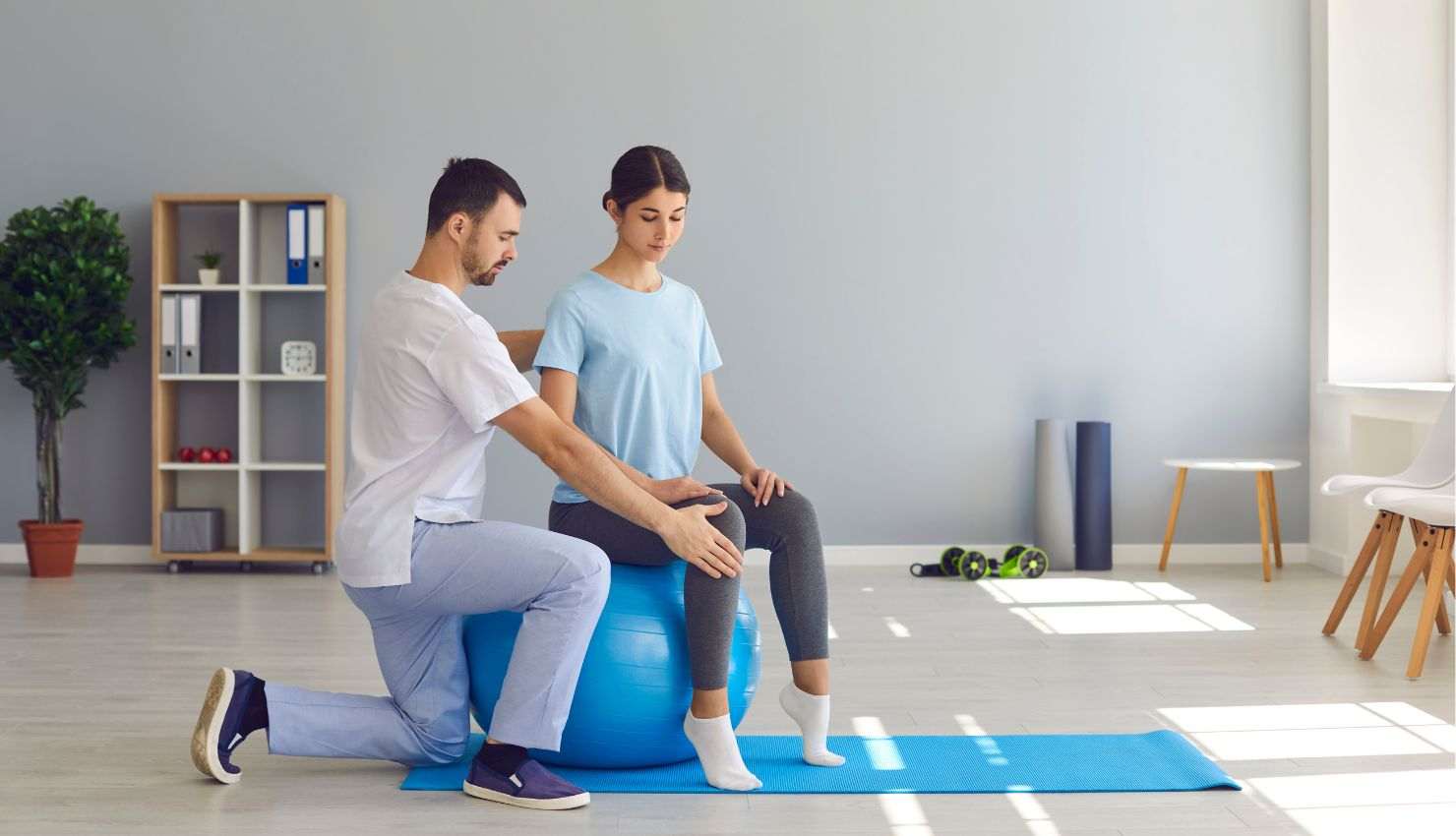
(AKA: Relief for Everyone Glued to a Screen)
Lets be honest were living in a tech-driven world. Whether youre a gamer, developer, digital creator, or someone who just loves their devices, chances are you spend hours each day in front of a screen. And while your brain might be thriving in the digital world, your neck, back, and wrists are probably begging for mercy.
The solution? A simple set of physiotherapy-approved exercises designed for tech-savvy folks who want to stay pain-free, flexible, and mobile without spending hours in a gym.
?? Why Your Body Needs a Digital Detox (With Movement)
Sitting for long hours, leaning toward screens, and using devices repeatedly puts your body under low-level, chronic stress. Over time, that leads to:
Forward head posture (“tech neck”)
Rounded shoulders and upper back tightness
Wrist and hand pain (hello, carpal tunnel)
Lower back stiffness
Eye strain and tension headaches
The good news? Just a few minutes of targeted exercises a day can help you fight back and win.
?? The Best Physiotherapy Exercises for Tech Users
These moves are physiotherapist-approved, quick to do, and perfect for a daily routine or a break between tasks. All you need is your body and a bit of space.
?? 1. Chin Tucks (For Tech Neck Relief)
Why: Resets your neck alignment and eases tension
How:
Sit tall, shoulders relaxed
Gently pull your chin straight back (like making a double chin)
Hold 5 seconds, release
Do 10 reps, 2x/day
Pro Tip: You can do this while driving, gaming, or watching a stream.
?? 2. Wall Angels (For Rounded Shoulders)
Why: Opens up tight chest and strengthens upper back
How:
Stand with your back against a wall, arms at 90° (like a goalpost)
Slowly raise and lower your arms while keeping elbows and hands touching the wall
10 slow reps
Bonus: Great for after long meetings or coding sessions.
?? 3. Cat-Cow Stretch (For Spinal Mobility)
Why: Loosens up the spine after hours of sitting
How:
On all fours, inhale as you arch your back (cow), exhale as you round your spine (cat)
Move slowly and intentionally
1015 reps
Perfect between work blocks or after a long night of gaming.
?? 4. Wrist Flexor/Extensor Stretch (For Mouse & Keyboard Use)
Why: Keeps your forearms and wrists supple
How:
Extend one arm forward, palm down
Use the other hand to gently pull the fingers back toward you
Switch to palm up and repeat
Hold each position for 30 seconds per arm
Pro Tip: Ideal after long typing or gaming sessions.
?? 5. Hip Flexor Stretch (For Desk Sitters)
Why: Opens up tight hips and improves lower back posture
How:
Kneel on one leg, the other foot forward
Gently push hips forward while keeping your spine tall
Hold for 3045 seconds each side
Tip: Do this while listening to a podcast or waiting for a download.
?? 6. Thoracic Spine Twist (For Better Mid-Back Mobility)
Why: Reduces stiffness from slouched sitting
How:
Sit tall, cross your arms over your chest
Twist your upper body to one side, hold briefly, return to center
Repeat on the other side
10 reps per side
Great for resetting your spine mid-day.
?? Bonus: Breathing Reset
Why: Deep breathing reduces tension, improves posture, and refreshes your focus
How:
Sit or lie down
Inhale deeply through the nose for 4 seconds
Hold for 4 seconds
Exhale slowly for 6 seconds
Repeat for 12 minutes
Try this after stretching or before a long session of focused work.
?? Final Thoughts: Stretch Now, Scroll Later
Being tech-savvy doesnt mean your body has to suffer. With these simple physiotherapy exercises, you can counteract the stress of screen time, stay mobile, reduce pain, and boost productivity without disrupting your digital lifestyle.
Whether youre a gamer, coder, or content creator, taking 10 minutes for your body each day is the best kind of upgrade you can give yourself.
Want a printable daily stretch routine or quick video guides for these moves? Let us know weve got resources to help you move better, work smarter, and feel stronger in your digital life.