Discover the wide-ranging benefits of chiropractic care for pain relief, mobility, and whole-body wellness.

If youve ever caught yourself slouching in your chair during a long gaming session, youre definitely not alone. Gaming is amazing fun, but those hours hunched over a keyboard or controller can quietly lead to some not-so-fun postural problems. So, whats going on with your posture, and how does gaming play a role? Lets break it down.
Why Posture Matters
Good posture isnt just about looking confidentits about keeping your bones, muscles, and joints aligned so your body can work efficiently without pain or strain. When posture goes off track, you might start feeling:
Neck and shoulder pain
Stiffness and tension
Headaches
Back discomfort
Reduced breathing efficiency
All of which can take a toll on your gaming focus and overall health.
How Gaming Contributes to Postural Issues
Gaming often involves:
Sitting for long periods
Leaning forward to see the screen better
Hunching shoulders and rounding the back
Holding your wrists in awkward positions
This combination puts your body in a sustained, awkward position. Over time, muscles can tighten and weaken in the wrong places, leading to imbalances like:
Forward head posture (your head jutting forward)
Rounded shoulders
Hunched upper back (gamers hunch)
The Downside: What Postural Problems Mean for Gamers
Poor posture can lead to:
Chronic pain in neck, shoulders, and back
Increased risk of repetitive strain injuries
Fatigue and reduced endurance during gaming
Even breathing difficulties that affect concentration
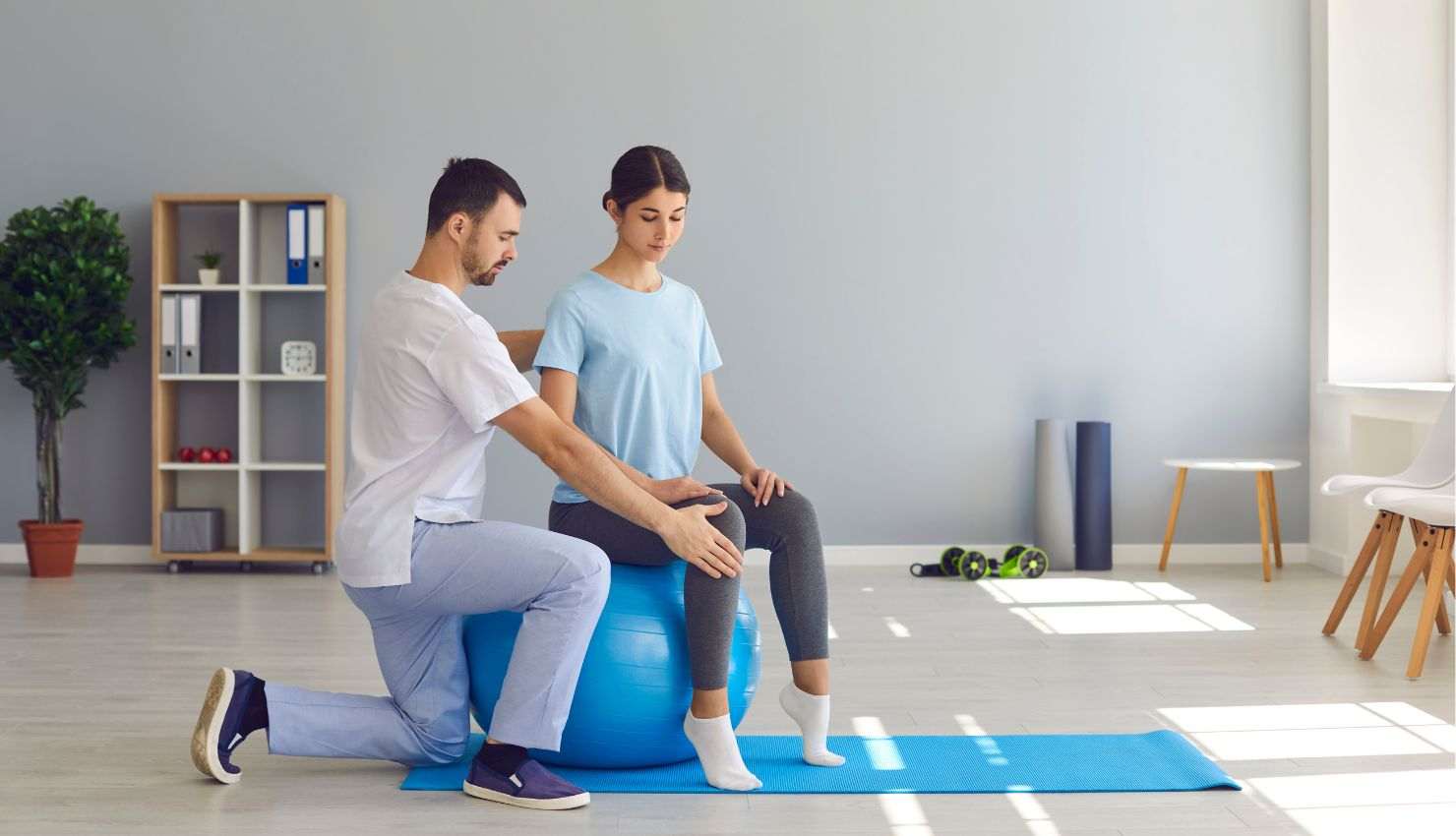
How Physiotherapy Helps Break the Cycle
Physiotherapists are experts in posture and movement. They can help by:
Assessing your posture and gaming setup
Designing exercises to strengthen weak muscles and stretch tight ones
Teaching ergonomic tips for your chair, desk, and screen
Helping you build habits like taking breaks and doing quick posture resets
Quick Posture Fixes You Can Start Today
Sit back fully in your chair with support for your lower back
Keep your feet flat on the floor or on a footrest
Position your screen at eye level so youre not looking down
Relax your shoulders and keep elbows close to your body
Take a break every 3060 minutes to stand and stretch
Final Thoughts: Play Smart, Sit Smart
Gaming should be fun, not painful. Understanding the link between gaming and postural issues is the first step to protecting your body while you enjoy your favorite games. With a few simple tweaks and some physiotherapy-backed strategies, you can keep your postureand your gameplayon point.
Want personalized advice on your gaming posture or ergonomic setup? Im here to help! Just ask. ?????????