Discover the wide-ranging benefits of chiropractic care for pain relief, mobility, and whole-body wellness.

Gaming sessions can get intensewhether youre battling bosses, climbing the leaderboards, or streaming to your fans. But all that action means your body is working hard, too, often in positions that can lead to discomfort or injury if youre not careful. Thats where physiotherapy and good ergonomics come together to keep you playing strong and pain-free.
Lets explore how physiotherapy can help you set up your gaming station and habits for maximum comfort and performance.
What Is Gaming Ergonomics?
Ergonomics is all about designing your environment and habits to fit your body, reducing strain and fatigue. In gaming, this means arranging your chair, desk, monitor, keyboard, mouse, and controller so that your body stays in a natural, supported position.
Poor ergonomics can cause:
Wrist and hand pain
Neck and shoulder tension
Back discomfort
Eye strain
How Physiotherapy Helps Improve Gaming Ergonomics
1. Posture and Movement Assessment
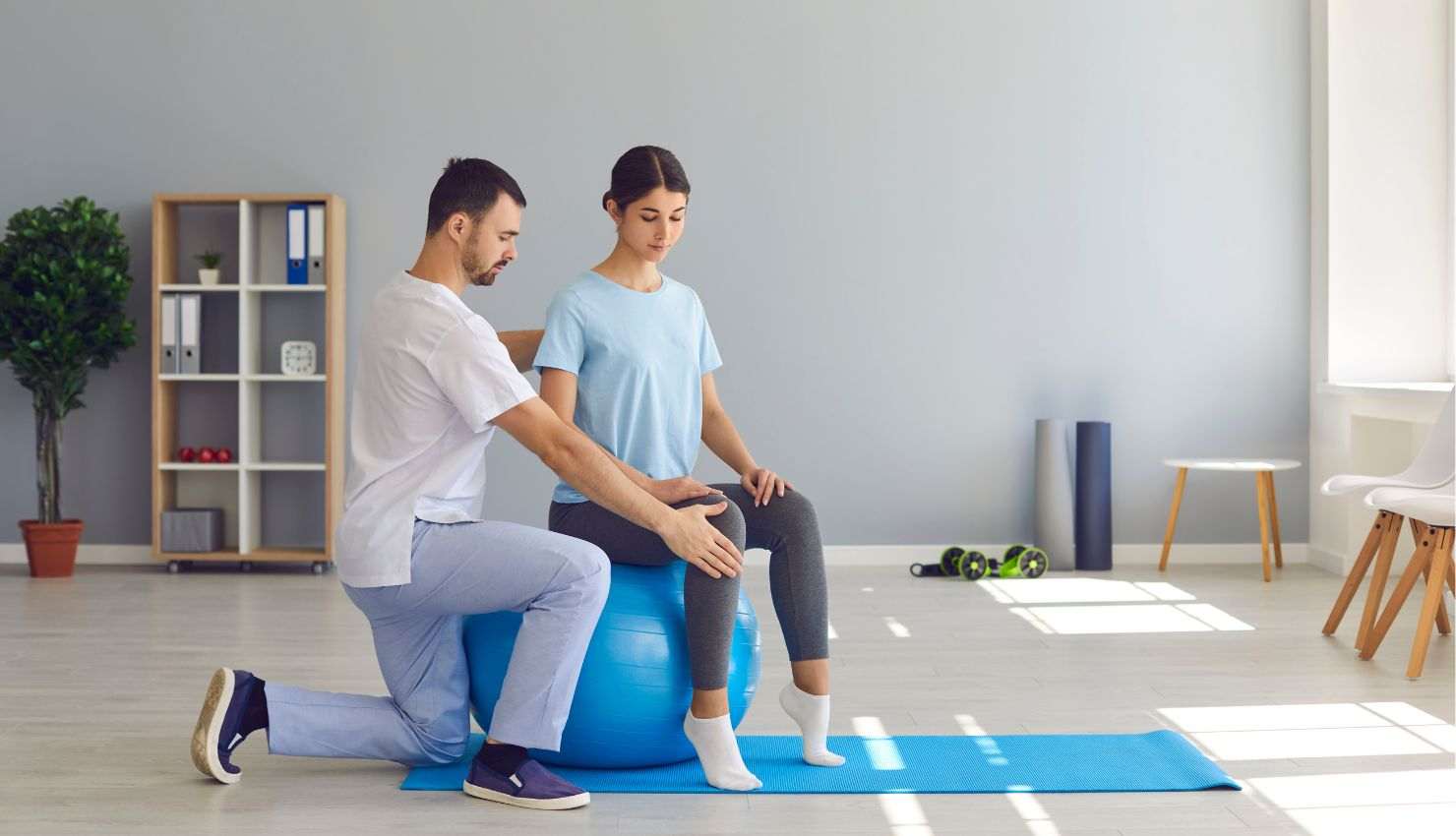
A physiotherapist can analyze how you sit, where you place your hands, and how you move during gaming. This helps identify habits or setup issues that might cause strain or injury.
2. Customized Ergonomic Recommendations
Based on your assessment, your physio will suggest:
The best chair height and support for your spine
Optimal monitor height and distance to reduce neck strain
Proper keyboard and mouse placement to keep wrists neutral
Tips on controller grip and arm positioning
3. Exercise Plans to Support Ergonomics
Your physiotherapist will give you exercises to strengthen muscles that support good posture, such as:
Core strengthening for spinal stability
Shoulder and upper back exercises to prevent hunching
Wrist and forearm strengthening to reduce repetitive strain
4. Education on Healthy Gaming Habits
Good ergonomics isnt just about your setupits about how you use it. Physios teach you how to:
Take regular breaks
Perform quick stretches and mobility drills
Adjust your posture throughout your gaming sessions
Quick Tips to Boost Your Gaming Ergonomics Right Now
Sit with your back fully supported and feet flat on the floor
Keep your screen at eye level to avoid looking down
Use a wrist rest or padded surface for your keyboard and mouse
Position your mouse and keyboard close to avoid overreaching
Take a 5-minute break every hour to stand, stretch, and move
The Bottom Line: Ergonomics + Physiotherapy = Better Gaming
By combining physiotherapy expertise with smart ergonomic choices, youre setting yourself up for longer, more comfortable, and more enjoyable gaming sessions. Its all about working smarter to play harderwithout pain holding you back.